
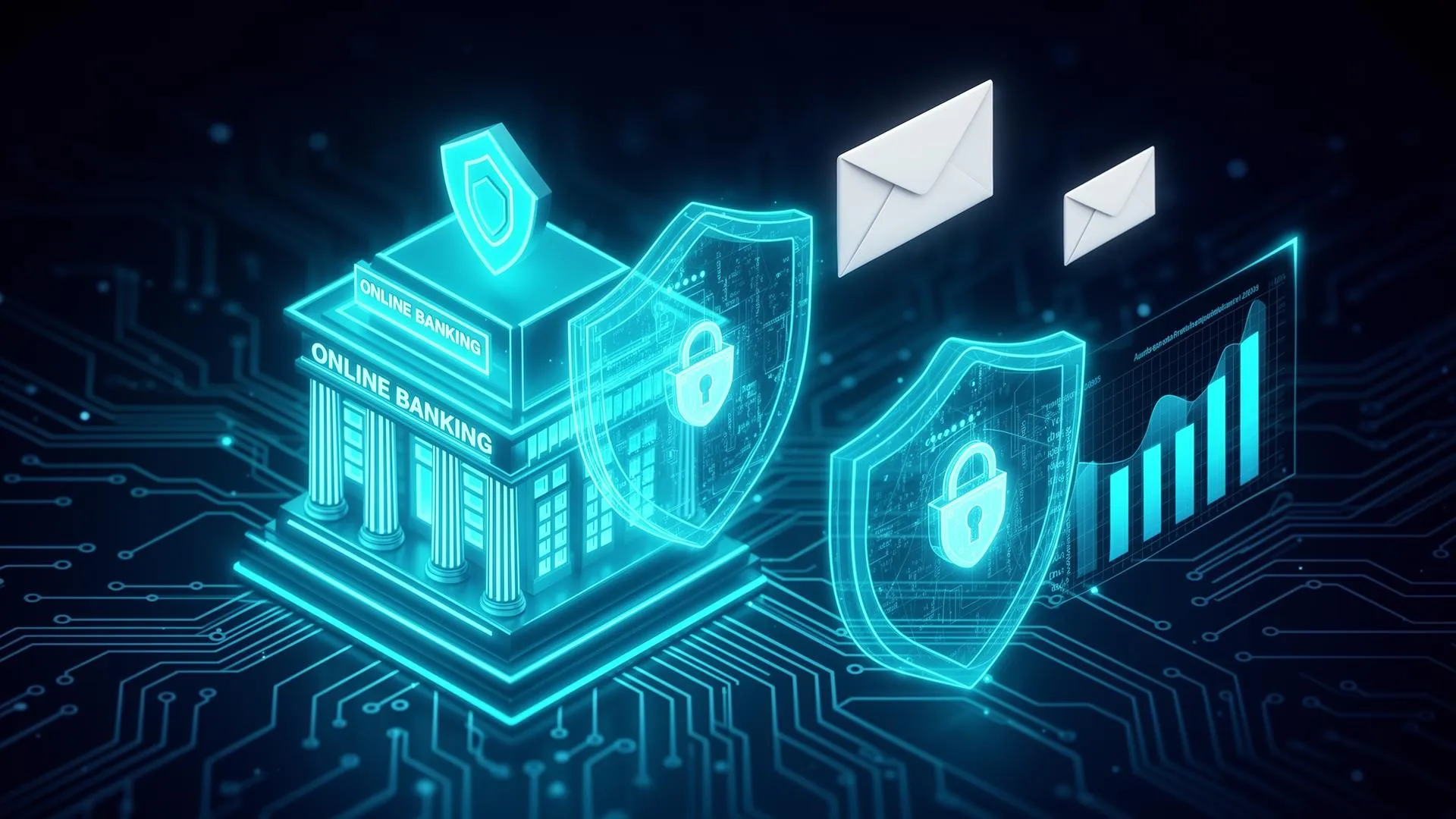
Email Privacy for Online Banking in the US
Bank phishing attacks cost Americans billions annually. Learn to protect your accounts with smart email practices, recognize sophisticated scams, and secure your financial communications.
The State of Banking Email Security in 2026
Despite advances in security technology, email remains the primary attack vector for banking fraud. Criminals use increasingly sophisticated techniques to impersonate banks, from pixel-perfect email templates to social engineering that exploits current events.
Common Bank Phishing Tactics
- "Suspicious Activity" alerts: Fake security warnings urging immediate action to "verify your account"
- "Account Locked" scams: Claims your account is frozen until you "confirm your identity"
- Fake wire confirmations: "Confirm or cancel this $5,000 transfer" designed to harvest credentials
- Tax refund deposits: "Your IRS refund has been deposited - click to view" during tax season
- Fake Zelle/payment alerts: "You've received $500 - accept now" leading to credential theft
Email Security Architecture for Banking
Recommended Email Structure
🏦 Dedicated Banking Email
Use ONLY for: Banks, credit cards, investments, critical financial accounts
- • Create a unique, complex email address
- • Enable strongest 2FA available (hardware key preferred)
- • Never use this email for any other purpose
📧 Primary Personal Email
Use for: Shopping, subscriptions, personal communications
- • Standard security with 2FA enabled
- • Separate from banking for isolation
🔄 Temporary Email (Temp Postal)
Use for: Trials, comparisons, research, one-time signups
- • Financial product research
- • Bank comparison shopping
- • Newsletter signups
How to Verify Banking Emails
Before clicking any link or taking action on a banking email, verify it's legitimate:
Email Verification Checklist
- Check sender's actual email domain (not display name) - hover over the address
- Look for your name and partial account number (legit banks include these)
- Be suspicious of urgency: 'Act immediately' or 'Account will be closed'
- Examine links by hovering - do they go to your bank's real domain?
- Check for grammar and spelling errors (though AI has improved scam quality)
- Call your bank directly using the number on your card if uncertain
Using Temporary Email for Banking Research
When comparing banks, credit cards, or financial products, temporary email protects you from marketing spam while keeping your banking email secure:
- Compare bank accounts: Request information without commitment
- Credit card shopping: Get rate information from multiple issuers
- Financial calculators: Access tools without revealing identity
- Research fintech apps: Test new services safely
- Newsletter signups: Get financial tips without inbox clutter
Advanced Banking Email Security
Pro-Level Protection
- Use hardware security keys (YubiKey) for banking email 2FA
- Enable email forwarding alerts to detect unauthorized access
- Set up login notifications for new devices/locations
- Use email aliases through iCloud+, SimpleLogin, or Firefox Relay
- Enable advanced protection in Gmail (Google Advanced Protection)
- Consider a password manager with secure sharing for family accounts
- Review authorized app connections monthly
- Use different passwords for email and banking accounts
FAQs
How do I know if a banking email is legitimate?
Banks never ask for passwords, full account numbers, or SSN via email. Check the sender's actual email domain (not display name), look for personalization, and when in doubt, call your bank using the number on your card or official website.
Should I use a separate email for banking?
Yes, using a dedicated email address solely for banking and critical financial accounts reduces exposure to phishing and keeps important security notifications separate from general email clutter.
What is email account takeover fraud?
Criminals gain access to your email account, then use it to reset passwords for your banking apps, intercept verification codes, and drain your accounts. Enable 2FA on your email and banking accounts to prevent this.
Are banking apps safer than email?
Yes, banking apps with biometric login are generally more secure than email for notifications and transactions. Enable app notifications for transactions and use the app instead of email links for banking activities.
Related Financial Security Guides
Credit Score Email Privacy
Secure your credit monitoring from scams
SSN Email Protection
Protect your Social Security Number
Tax Filing Security Guide
Secure your identity during tax season
Mortgage Email Privacy
Protect finances during home buying
Conclusion
Email security is the foundation of online banking safety. By using a dedicated banking email, verifying every financial communication, and using temporary email for research and comparisons, you significantly reduce your exposure to phishing attacks. Remember: your bank will never ask for passwords or full account numbers via email.